cPanel makes it easy to update TXT, MX, CNAME & A records from within its account area. In order to add/update record please follow the instructions below:
- Login to cPanel
- Go to zone editor
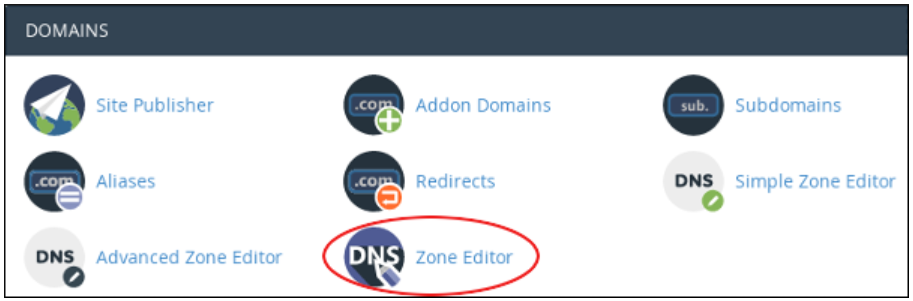
- Select domain name for which records are to be set
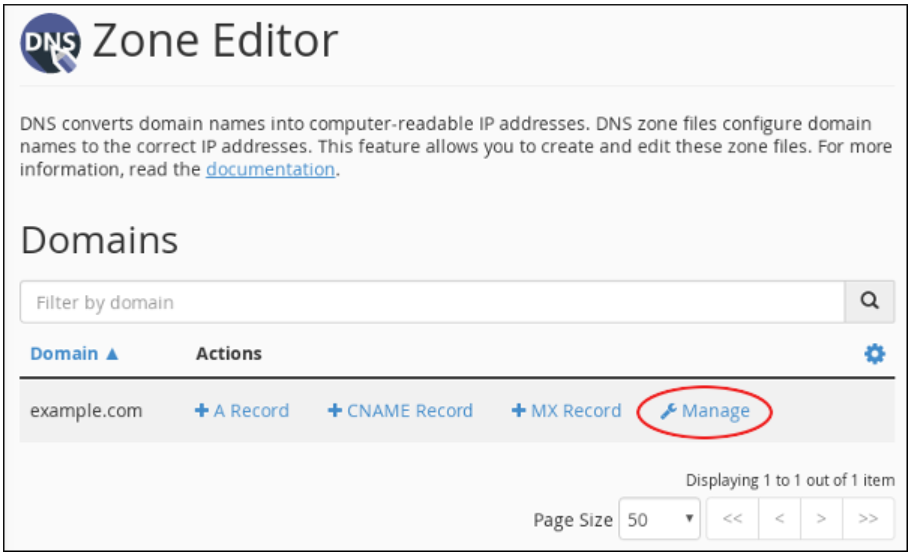
- You will see list of all existing zone records - to update existing, click edit
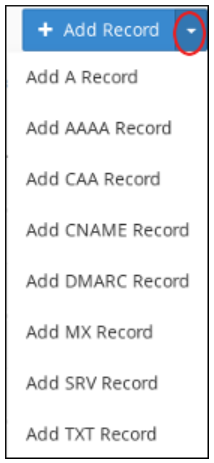
- To add a new record, click add record and select appropriate record type from dropdown
- Click save once record details are filled
Zone editor is enabled in all cPanel hosting plans, so customers can manage records on their own. Please note, changes to zone record may affect your website's accessibility & email so only experienced users should manage such configuration changes.
If you still face any issue or need any help, please feel free to reach our support team.
Was this article helpful?
Your vote helps us decide which guides to improve next.